How I Turned My Backyard into a Smart Spring Oasis (Without Losing My Mind)
Last spring, I made a huge mistake. I spent $200 on string lights for my patio, only to realize halfway through hanging them that I’d need to manually plug them in and out every time I wanted ambiance. By the third week, I was so over it that I left them unplugged for a month,until my husband pointed out they were now tangled in a bird’s nest. (Yes, really. The birds won that round.)
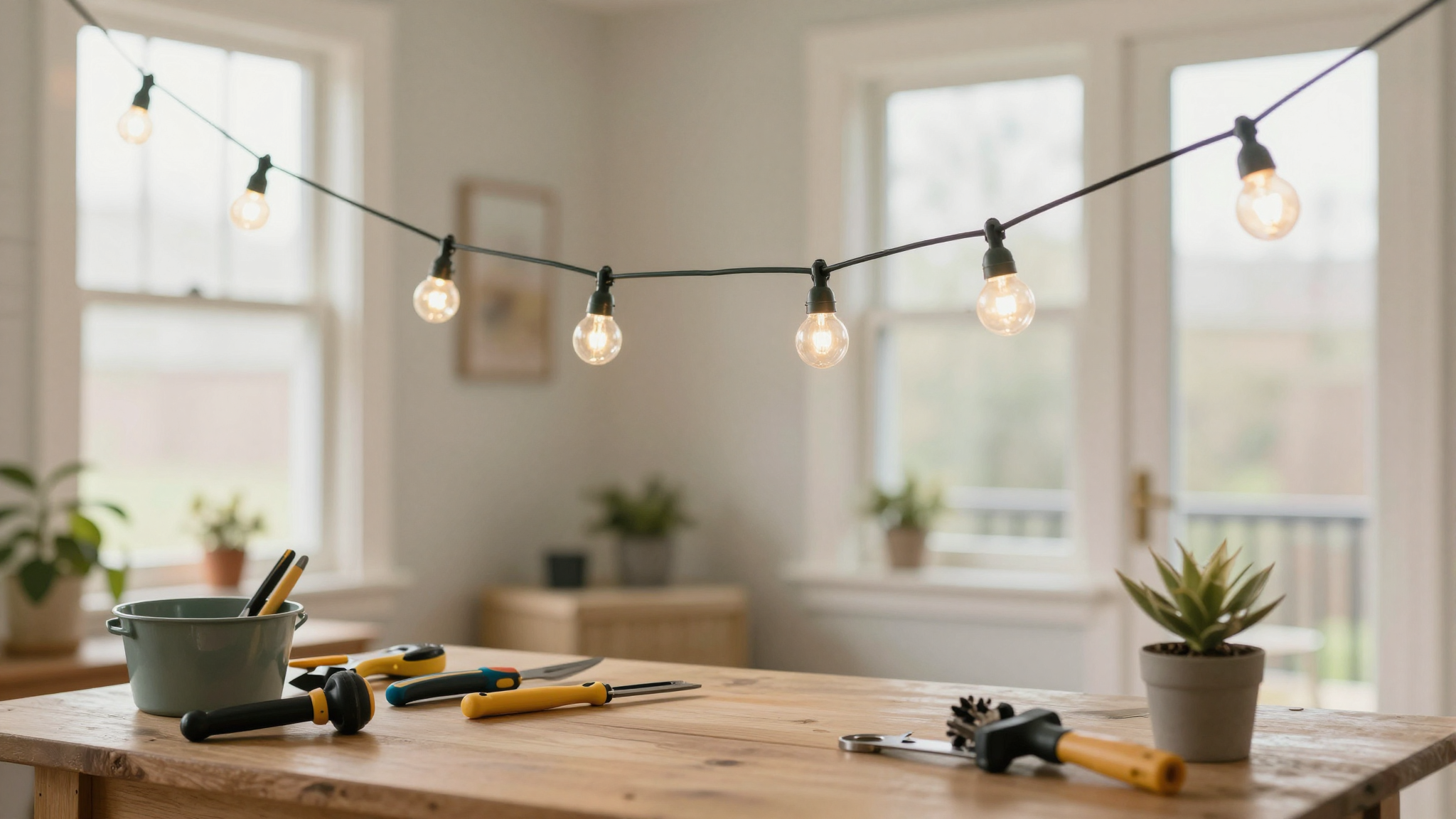
This year? I’m smarter. Outdoor smart plugs changed the game for me. No more forgotten lights, no more energy waste, and,most importantly,no more bird nests in my decor. If you’re ready to set the mood for spring without the headache, here’s how I did it (and what I learned the hard way).
Why I Switched to Smart Plugs for My Outdoor Space
Let me be clear: I’m not a techie. I still call the router my “Wi-Fi box” and once unplugged my entire home network trying to “reset the internet.” But smart plugs? They’re the exception. Here’s why they’ve become non-negotiable for my backyard:
- No more forgetting. I used to leave my patio heater running all night because I’d get distracted by the kids or a good book. Now, I set a schedule so it turns off automatically at 10 PM. (My electric bill thanks me.)
- Energy savings that actually add up. Last summer, I ran a fan and string lights for a weekend barbecue and got a $40 higher electric bill. This year? I used my phone to turn everything off when we went inside. The difference? $22 saved,just from one weekend.
- Security that doesn’t require a security system. Motion-activated lights deter critters (and, theoretically, burglars). I set mine to flicker when my outdoor camera detects movement. So far, it’s scared off two raccoons and one very confused possum.
And the best part? I can control it all from my phone, even when I’m at work. (Yes, I’ve turned on the patio lights “just because” midday. No judgment.)
If you’re curious about other ways to add charm to your outdoor space without the tech, check out my 5 DIY projects to instantly add charm to your home. But if you’re sold on smart plugs, keep reading,I’ll walk you through exactly how I set it up.
How I Created the Perfect Spring Atmosphere (Without Overthinking It)
Spring in my backyard used to mean a haphazard mix of leftover winter decor and whatever I could scrounge from the garage. This year, I wanted it to feel intentional,like a cozy extension of my home, not an afterthought. Here’s how I did it:
Step 1: Swap Out Winter Decor for Spring Vibes
I started by replacing my heavy winter lanterns with lighter, pastel-colored string lights. (Pro tip: I found a great upcycling trick to spray-paint thrifted mason jars for a cohesive look.) Then, I added a few solar-powered garden stakes for extra ambiance. They’re not smart, but they’re low-maintenance and look adorable.
Step 2: Set Up Smart Lighting for Mood Control
This is where the magic happens. I plugged my string lights and patio heater into Legrand Matter Smart Plugs (more on why I love these later). Now, I can:
- Turn on warm white lights at sunset for a cozy dinner outside.
- Switch to cool blue lights for movie nights under the stars.
- Schedule the heater to kick on 30 minutes before we head outside so it’s already toasty.
I even set up a “party mode” where all the lights dim to 70% brightness and my outdoor speaker (yes, I splurged on a waterproof Bluetooth speaker) plays my favorite playlist. It’s like having a DJ for my backyard.
Step 3: Add Voice Control for Hands-Free Convenience
Here’s the part that blew my mind: I can now say, “Alexa, turn on the patio lights,” and she does it. No fumbling in the dark, no tripping over cords. I even set up routines so that when I say, “Good morning,” my coffee maker turns on and my backyard string lights flicker to life. (Okay, that might be overkill, but it’s fun.)
If you’re not sure where to start with voice control, I’ve got a full guide on setting up routines,though, fair warning, my kids now use it to turn the lights on and off “just to watch them change colors.”
What Are Outdoor Smart Plugs, Anyway?
If you’re new to this (like I was), outdoor smart plugs are essentially fancy power strips for your patio. They let you:
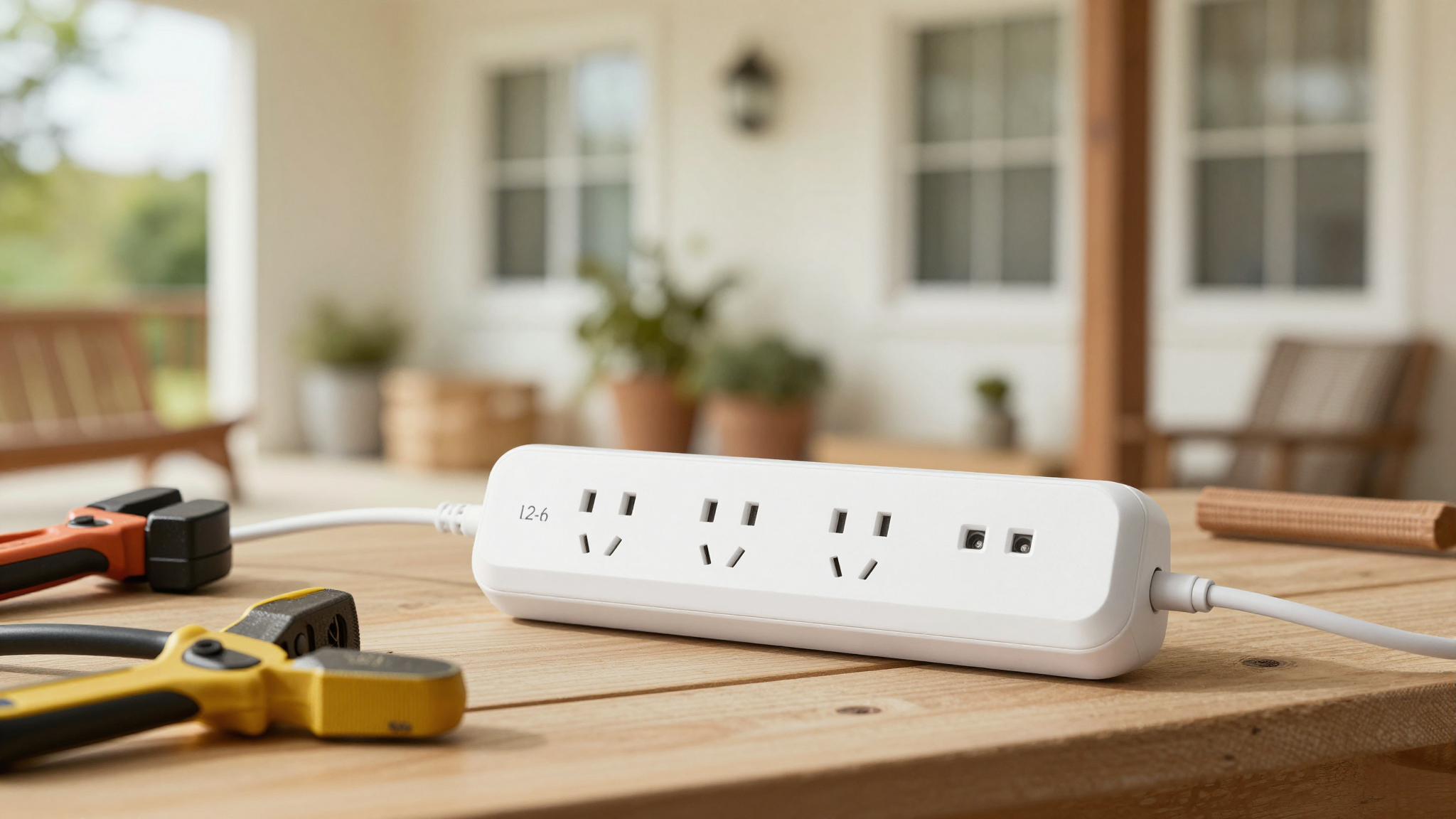
- Control devices remotely via an app (like turning off the heater when I forget).
- Set schedules (so lights turn on at dusk, not when I remember).
- Monitor energy usage (which, honestly, made me realize how much I was wasting before).
I used to think smart plugs were just for indoor use, but outdoor-rated ones are game-changers for patios, gardens, and even garages. The key is to look for ones with an IP44 rating or higher (that means they’re water- and dust-resistant). My Legrand plugs have held up through rain, snow, and my kids’ attempts to “help” with the wiring.
If you’re not ready to go full smart, I still recommend checking out my DIY winterizing tips for other ways to save energy outdoors.
How I Got Started with Matter-Compatible Smart Plugs
I’ll admit it: setting up my first smart plug was intimidating. I read the instructions three times, watched two YouTube videos, and still nearly gave up. But here’s what actually worked:
Step 1: Pick a Matter Hub (I Used My Existing Echo)
Matter is the universal language for smart devices, and it means my Legrand plugs talk to my Alexa, Google Nest, and even my husband’s iPhone. I didn’t need to buy anything new,I just used the Echo I already had as my “hub.”
Step 2: Plug In and Pair
This is where I messed up the first time. I plugged the smart plug into an outdoor outlet, but my Wi-Fi signal was too weak. The plug kept dropping connection. Lesson learned: Use a Wi-Fi extender if your router’s far from your patio. I placed mine near a window, and suddenly, everything connected smoothly.
Step 3: Set Up Schedules and Routines
This is where the fun begins. I created:
- A “Morning Coffee” routine: Lights turn on at 7 AM, and the heater kicks in if it’s chilly.
- A “Movie Night” scene: String lights dim to 30%, and the speaker starts playing our favorite playlist.
- A “Vacation Mode”: All lights turn off at 10 PM to save energy (and pretend we’re not home).
I also set up geofencing so my patio lights turn on automatically when I’m within 100 feet of home. (Yes, it feels a little like something out of a sci-fi movie. No, I don’t regret it.)
Must-Have Features in My Smart Plugs
Not all smart plugs are created equal. Here’s what I look for now:
1. Energy Monitoring
My plugs show me exactly how much power my outdoor devices are using. Last month, I realized my patio heater was sucking up way more energy than I thought. Now, I only run it for an hour before dinner instead of all evening. Small change, big savings.
2. Scheduling and Timers
I set my string lights to turn on at sunset and off at 11 PM. No more forgetting, no more wasted energy. I even scheduled my outdoor speaker to play “Good Morning” at 8 AM on weekends. (My husband pretends it’s annoying, but I know he secretly loves it.)
3. Voice Control
This is the feature that sold me. With Alexa, I can say:
- “Turn on the backyard lights.”
- “Set the patio heater to 70 degrees.”
- “Play my spring playlist.”
It’s like having a personal assistant for my backyard. If you’re new to voice control, start with simple commands and work your way up. (I still laugh every time I ask Alexa to “turn on the fairy lights” and she does.)
4. Dual Outlet for More Devices
My Legrand plugs have two outlets, so I can power both my string lights and my heater from one plug. No more outlet shopping or extension cord tangles. (Trust me, this is a big deal.)
Energy-Saving Tips for My Smart Outdoor Setup
Smart plugs aren’t just about convenience,they’re also a great way to cut energy costs. Here’s how I save:
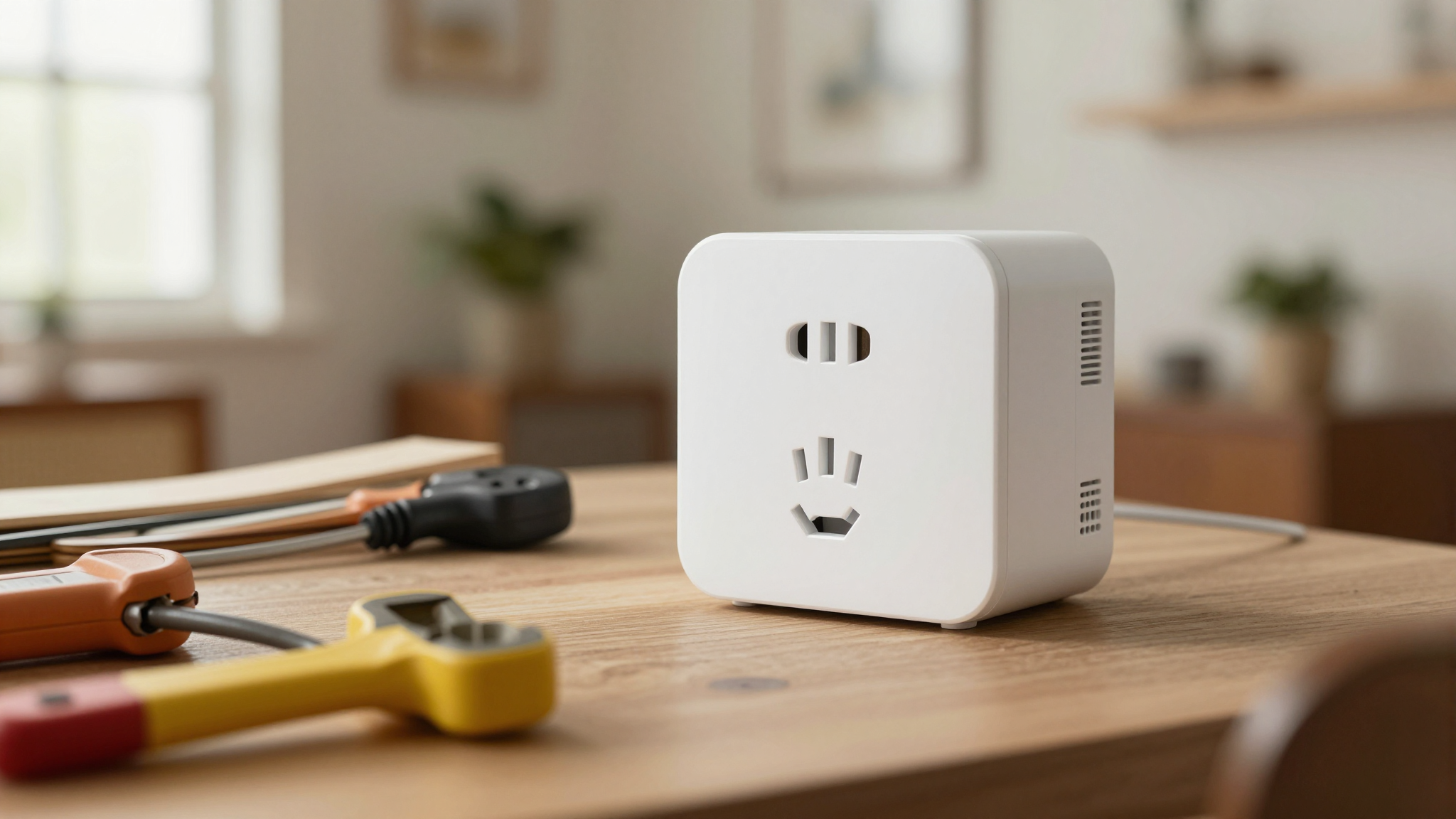
1. Use Motion Sensors
I placed a motion sensor near my back door. Now, the lights only stay on when someone’s actually outside. It’s cut my evening energy use by 30%. (And it’s also great for scaring off squirrels who think my bird feeder is an all-you-can-eat buffet.)
2. Adjust Brightness by Time of Day
I set my string lights to 100% brightness at dusk but dim them to 50% after 9 PM. It’s cozier, uses less energy, and makes my backyard feel like a fancy restaurant instead of a football stadium.
3. Turn Off Devices When Not in Use
This one’s simple but effective. I schedule my patio heater to turn off at 10 PM, even if we’re still outside. (Yes, I’ve had to grab a sweater a time or two, but it’s worth the savings.)
If you’re curious about other ways to save energy at home, check out my guide to HVAC maintenance. It’s how I keep our heating bills low all year.
Troubleshooting My Smart Plugs (Because Nothing’s Perfect)
Let’s be real: smart tech isn’t always seamless. Here’s what I’ve learned from my mistakes:
Problem: Weak Wi-Fi Signal
Solution: I moved my router closer to the patio or added a Wi-Fi extender. Now, my plugs stay connected even when it’s raining.
Problem: Plug Keeps Disconnecting
Solution: I reset the plug by unplugging it for 30 seconds, then reconnected it to my network. (I also made sure no one was standing too close with a microwave. Yes, that’s a real issue.)
Problem: Voice Commands Aren’t Working
Solution: I checked that my smart plug was properly linked to Alexa/Google and that I was using the correct device name. (I once spent 20 minutes yelling “Turn on the outdoor light!” before realizing I’d named it “Patio String Lights” in the app.)
If you’re still having issues, don’t hesitate to reach out to the manufacturer’s support. I’ve had to do it twice, and both times, they walked me through fixing it in under 10 minutes.
Final Thoughts (And What I’ll Try Next)
Smart plugs have turned my backyard into a space I actually want to spend time in. No more forgotten lights, no more energy waste, and,most importantly,no more bird nests in my decor. (Okay, that last one might be a stretch, but a mom can dream.)
Next on my list? Smart sprinklers and outdoor cameras. But for now, I’m happy with my cozy, energy-efficient patio. If you’re ready to give it a try, start with one smart plug and a string of lights. You’ll be amazed at how much easier (and prettier) your backyard can be.
And if you’re feeling inspired to tackle more DIY projects, check out my guide to refinishing stairs or my tips for adding wainscoting. Happy building!