How I Created a Family Command Center That Actually Works (No Rocket Science Required)
Let me tell you,running a household with three kids, two dogs, and a husband who “forgets” dentist appointments is basically like managing a small circus. Except in the circus, at least the clowns show up on time. For years, I tried every “system” under the sun: sticky notes on the fridge (gone by Tuesday), shared Google Calendars (ignored by everyone but me), and even a whiteboard that somehow became a canvas for my 7-year-old’s “abstract art” phase. Spoiler: none of it stuck.

Then I realized something: NASA doesn’t launch rockets by hoping everyone remembers their checklists. They’ve got a command center,a single place where all the critical info lives, where everyone knows their role, and where nothing slips through the cracks. So I asked myself: Why can’t my family have that? Turns out, we can. And it’s easier than you’d think.
Below, I’ll walk you through exactly how I built our family’s command center,the version that actually gets used,including the mistakes I made (like the time I mounted a bulletin board in the wrong spot and had to patch drywall,more on that disaster here), the tools that saved my sanity, and how we keep it running without me turning into a full-time office manager.
First, Let’s Be Real: Your Family Isn’t NASA
Before you start stressing about creating some high-tech, Pinterest-perfect command center, let’s get one thing straight: your family doesn’t need a mission control room. What you do need is a simple, visible, and low-friction way to track the stuff that actually matters,like when soccer practice is, whether we’re out of milk, and why my husband’s work shirts keep disappearing into the laundry black hole.
Here’s what I learned the hard way: if it’s not in plain sight, it doesn’t exist. That’s why I ditched the digital-only approach (too easy to ignore) and the all-paper approach (too easy to lose). Instead, I combined the best of both worlds,a hybrid system that works for our chaotic but lovable family.
And here’s the secret: it doesn’t have to be pretty. My command center lives in our kitchen nook, sandwiched between the coffee maker and the junk drawer. It’s held together with command strips, a few magnets, and a lot of hope. But it works.
Step 1: Figure Out What’s Actually Breaking Your Family
Before you start buying anything, pause and actually observe how your household functions. I know, I know,sounds boring. But trust me, this step saved me from wasting money on tools we’d never use.
Grab a notebook (or your phone’s notes app) and track your family’s chaos for three days. Ask yourself:
- Where do things consistently go wrong? For us, it was permission slips vanishing into backpacks and forgotten lunch money. (We went through three $5 pizza lunches in a week before I wised up.)
- Where does your family naturally gather? In our house, it’s the kitchen during breakfast and dinner. For others, it might be the entryway or a home office.
- What’s the one thing that, if organized, would make your life 10% easier? For me, it was knowing where everyone was supposed to be at any given time. (Example: Why was Jake “home alone” at 3 PM when he was supposed to be at baseball practice? Turns out, the practice was canceled, but no one told me.)
Pro tip: Involve your kids in this step. Sit them down and ask, “What’s the hardest part about remembering stuff at school?” My daughter told me she always forgets her gym clothes, so now we have a hook labeled “GYM DAY” right by the door. Problem solved.
Step 2: Pick Your Battle (and Your Tools)
You don’t need a whole command center. Start with one or two pain points and build from there. Here’s what I focused on first:

1. The Schedule Nightmare
We used to have three different calendars going: my phone, my husband’s phone, and a wall calendar that no one updated. Cue the missed appointments and last-minute panics. Now, we use a big magnetic whiteboard calendar (I got mine from Target for $20) paired with a shared Google Calendar that syncs to everyone’s phones.
Here’s the hack that changed everything: We color-code by person. My husband’s work meetings are in blue, the kids’ activities are in green and pink, and my personal stuff is in purple. At a glance, I can see if there’s a scheduling conflict. (Example: When my son’s soccer game overlapped with my husband’s client dinner, we knew immediately and could adjust.)
2. The Permission Slip Black Hole
I lost count of how many times I got the call from the school: “Mrs. [Last Name], we need [permission slip] signed TODAY.” My solution? A clear plastic file pocket labeled “PERMISSION SLIPS” mounted on the wall. Now, slips go in there the second they come home, and I sign them during my morning coffee ritual (more on routines below).
Bonus: I keep a small basket underneath for pens, staplers, and those little envelopes you need for field trips. No more digging through drawers at the last minute.
3. The Grocery List That No One Remembers
We tried the fridge list, the whiteboard list, and even the “just text me” method. None of it worked. Now, we use a magnetic grocery list (also from Target) that lives on the fridge. Here’s the rule: If you eat it, you add it. My kids grumble, but it’s cut our grocery trips in half.
Pro tip: Keep a pad of sticky notes nearby for random additions (like when my husband remembers at 7 PM that he needs almond milk for his protein shake).
Step 3: Choose Your Location (And Avoid My Mistakes)
I’ll never forget the time I mounted a huge corkboard in the hallway,right where everyone walks. Within a week, it was covered in fingerprints, half-torn papers, and a mysterious stain that I still don’t want to identify. Lesson learned: location matters.
Here’s where I do put our command center now:
- Kitchen nook: High traffic, natural light, and easy to see while making coffee or packing lunches.
- Entryway: If your family tends to grab-and-go, this is a great spot for keys, backpacks, and permission slips.
- Away from distractions: No TVs, toys, or anything that might compete for attention. (Trust me, if it’s next to the TV, it’s getting ignored.)
- Near an outlet: Because nothing’s worse than a dead phone when you’re trying to check the schedule.
If you’re short on space, go vertical. I used adhesive hooks to hang a small whiteboard, a file pocket, and a basket for mail. It’s compact but works.
Step 4: Set Up Your System (Without Overcomplicating It)
Here’s what actually lives in our command center:
- A magnetic whiteboard calendar (for the big-picture stuff).
- A clear file pocket for permission slips and forms.
- A magnetic grocery list (because we always forget something).
- A small basket for pens, scissors, and envelopes.
- A charging station for phones (because dead batteries are the enemy of organization).
What doesn’t live there? Everything else. I used to try to cram all the family info into one spot, and it just became overwhelming. Now, we keep it simple and focused.
How We Keep It Running
Here’s our daily routine (yes, it’s that simple):
- Morning coffee time: I check the calendar, sign permission slips, and add anything to the grocery list.
- Before school/dinner: Kids drop permission slips in the file pocket and grab their backpacks (which live on hooks nearby).
- Sunday nights: We do a 5-minute family check-in to update the calendar for the week ahead.
That’s it. No fancy apps, no hour-long meetings. Just small, consistent habits that actually stick.
Step 5: Make It Work for Your Family (Not Pinterest)
Here’s the thing: what works for one family won’t work for another. My friend Sarah swears by a gallery wall with all her kids’ schedules pinned up, but that would drive me crazy. Instead, I keep ours functional and low-maintenance.
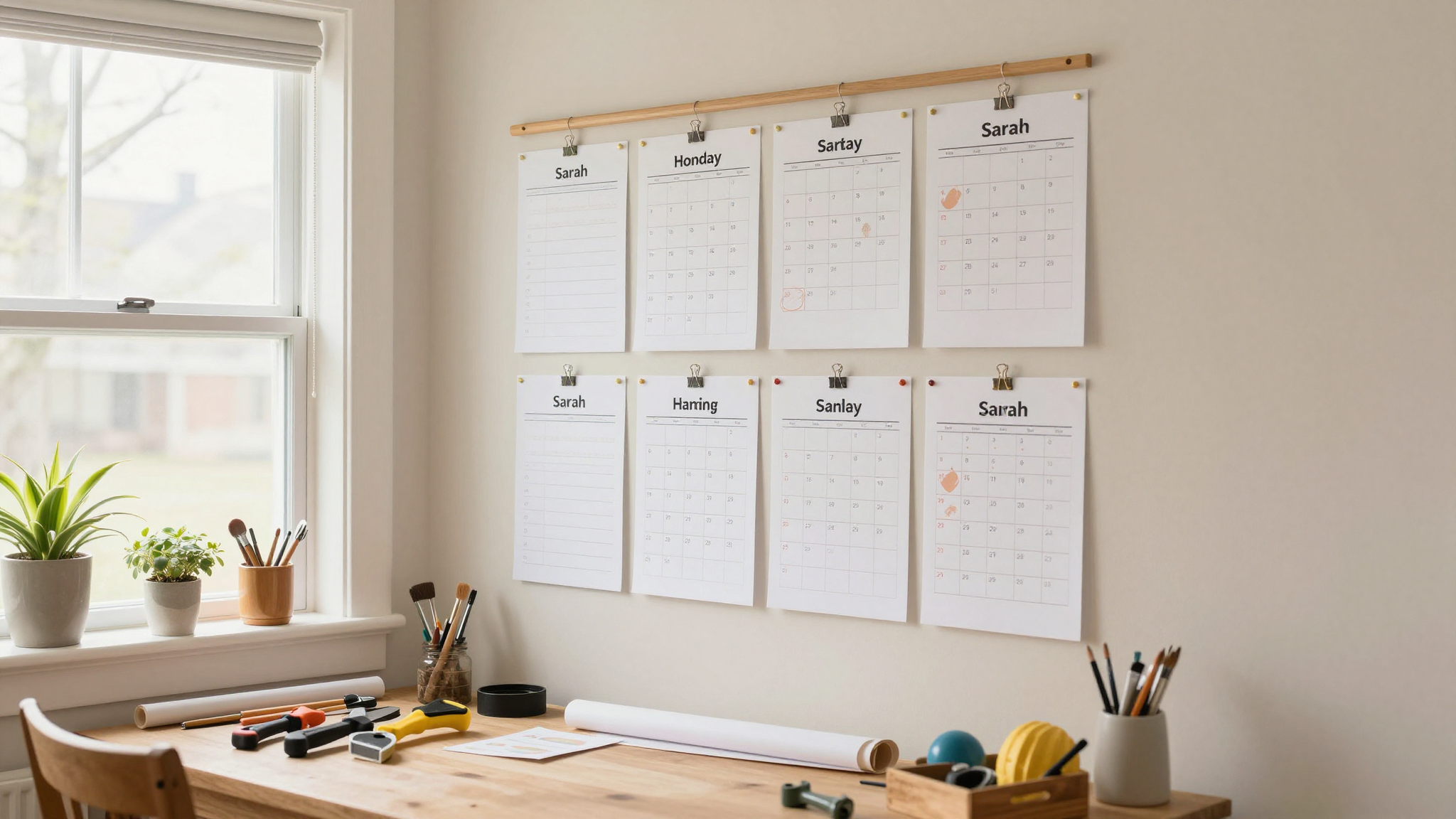
Tips for Customizing It to Your Life
- If you’re a visual person, use color-coding, charts, or a big whiteboard. (I’m not, so I stick to simple lists.)
- If your kids are little, add picture charts for chores or a reward system (we use a sticker chart for my 5-year-old).
- If everyone’s on their phones, try a shared digital app like Cozi or Trello and sync it with a small physical backup (like a whiteboard).
- If space is tight, use over-the-door organizers or a rolling cart that you can move around.
And here’s the most important tip: start small. Don’t try to build the perfect system on day one. I began with just the calendar and permission slip pocket, and we added tools as we needed them. Now, it’s actually working,and I’m not constantly stressed about forgetting something.
What to Do When It Stops Working
Let’s be real: no system is perfect forever. What works in September might not cut it in December when the kids have holiday concerts, my husband’s work travel picks up, and I’m trying to plan a family vacation. Here’s how we keep ours running smoothly:
1. Do a Monthly “Reset”
Every month, we spend 10 minutes cleaning out old papers, updating emergency contacts, and adjusting the calendar for the next month. (Yes, even I forget to switch out the soccer schedule for basketball sometimes.)
2. Rotate Responsibilities
Kids take turns updating the calendar or adding to the grocery list. It’s not their favorite chore, but it teaches them responsibility,and takes some pressure off me.
3. Adapt as Needed
When my daughter started middle school, we added a “Homework Hotline” section to track big projects. During the holidays, we swap in a gift-tracking list. The system bends with our needs.
Pro tip: If something’s not working after two weeks, change it. Don’t stick with a tool just because you “should.” Life’s too short for systems that don’t serve you.
Final Thought: It’s Not About Perfection
I’ll never forget the day our command center actually saved us. It was a Tuesday, and I was running late for a meeting when my son casually mentioned, “Oh, Mom, my field trip is today.” I panicked,until I looked at the calendar and saw the bright red “FIELD TRIP” written in my own handwriting. I had signed the permission slip and packed his lunch the night before. No last-minute scramble, no forgotten forms. Just peace.
That’s the goal: not a Pinterest-worthy setup, but a system that actually makes your life easier. It won’t be perfect. There will be days when the grocery list gets ignored or the calendar gets forgotten. But when it works? It’s a game-changer.
So grab a whiteboard, a few magnets, and a notebook. Start small. And for the love of all things organized, involve your family. The more they buy in, the more it’ll stick.
Now, if you’ll excuse me, I need to go check our command center,someone forgot to update the calendar for tomorrow’s dentist appointment.